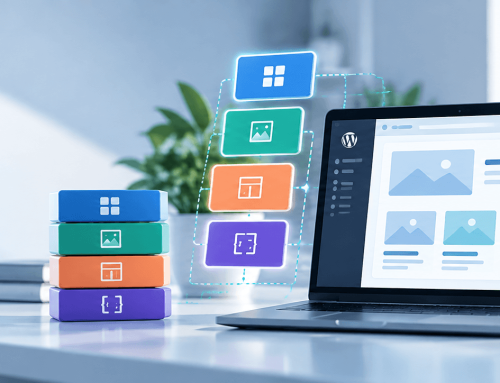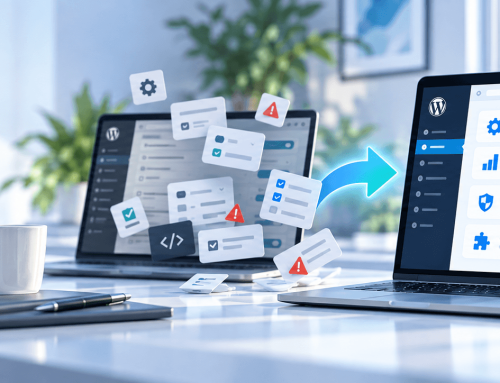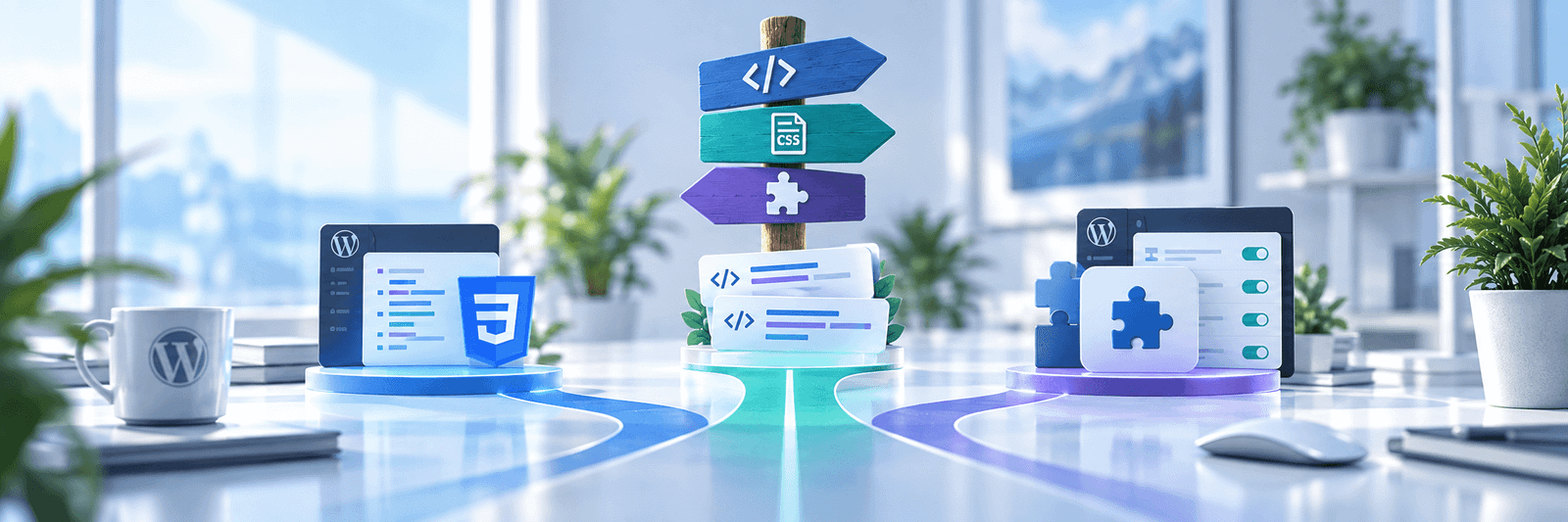
WordPress gives you many ways to customize a site, which creates a second problem: where should the customization live?
A CSS rule can solve something in seconds. A PHP snippet can alter behavior without creating a full plugin. A child theme can override templates. A custom plugin can encapsulate an entire feature.
All of these approaches are valid in the right context.
The mistake is choosing based only on what is fastest today.
Use custom CSS for presentation
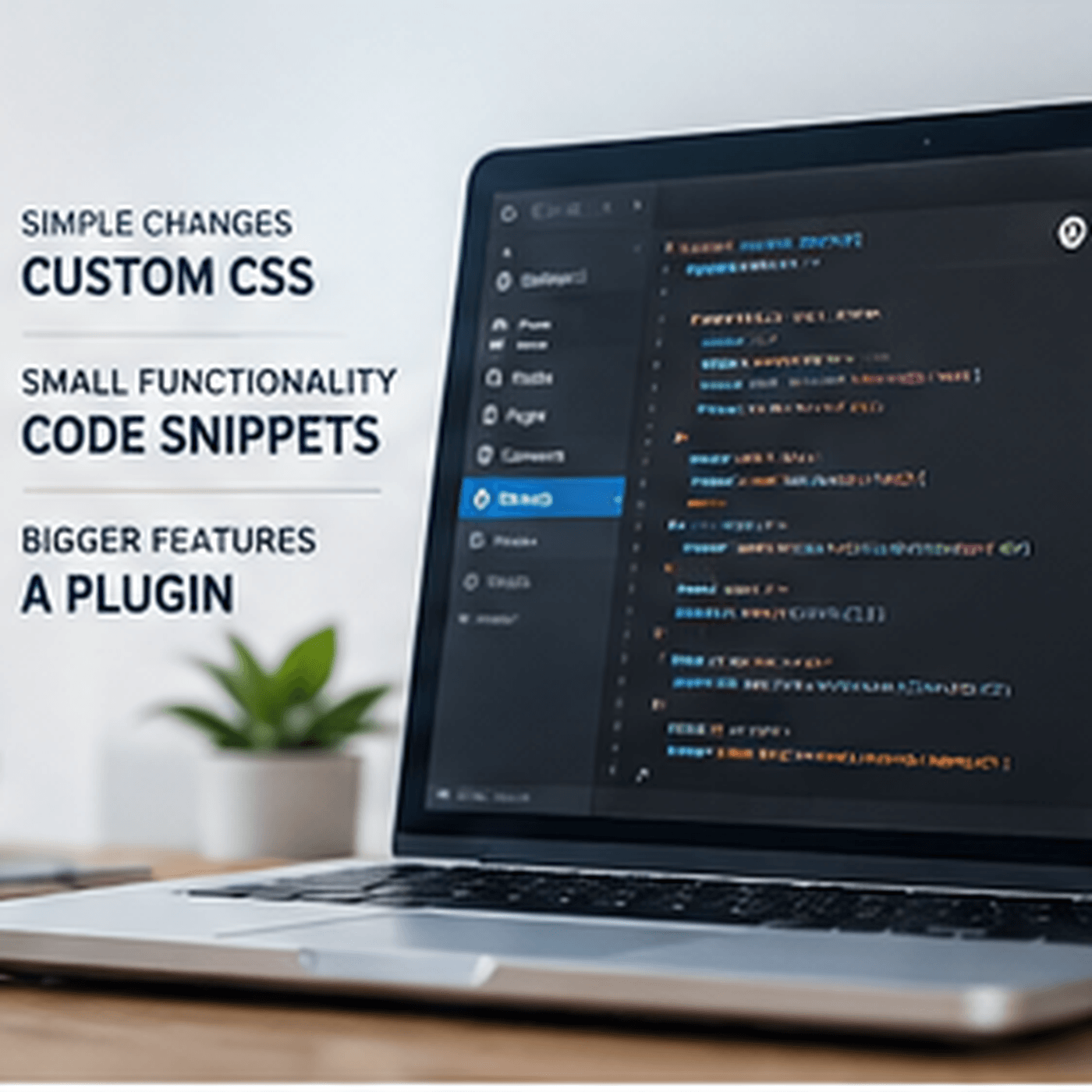
CSS is the right tool when the requirement is purely visual.
Examples include:
- spacing adjustments
- typography refinements
- border and shadow changes
- responsive layout corrections
- color changes
- hover and focus states
Keep CSS scoped as tightly as practical. Broad rules create unintended side effects and make future debugging harder.
If the style belongs to a particular component, keeping the CSS conceptually close to that component helps maintenance.
Use a code snippet for small, well-understood behavior
A managed snippet can be useful for concise customizations such as a filter, action or short piece of conditional behavior.
The key words are small and well understood.
A snippet should not quietly evolve into a hidden application. Once it has several files’ worth of logic, configuration, data storage or dependencies, it deserves stronger structure.
Snippets also need documentation. Give them meaningful names and explain why they exist.
Use a child theme for theme-specific presentation and templates
A child theme is appropriate when the customization is genuinely coupled to the active theme.
Template overrides, theme-specific functions and design modifications can belong there.
Business functionality usually should not.
If switching themes would cause an essential operational feature to disappear, that feature probably belongs in a plugin rather than the theme.
This separation is one of the most useful WordPress architecture principles: presentation can belong to the theme; site functionality should generally survive a theme change.
Use a plugin for durable functionality
A custom plugin becomes the stronger option when the feature:
- creates or manages data
- adds admin screens
- introduces user permissions
- registers content types or taxonomies
- exposes APIs
- contains multiple related hooks
- requires activation or upgrade routines
- should survive theme changes
- is business-critical
A plugin gives the feature a clear boundary and lifecycle.
What about reusable HTML/CSS/JS components?
This is a common grey area for advanced WordPress builders.
You may have a polished interface component containing markup, styling and a small amount of JavaScript. It is more than a CSS tweak but less than a full plugin feature.
If the team reuses many such components, storing them as unmanaged snippets becomes difficult. A component-management approach can provide naming, organization and controlled rendering without turning each component into an independent plugin.
The architectural goal is the same: make ownership and scope obvious.
Consider the blast radius
Before choosing where code lives, ask what happens if it fails.
A minor visual enhancement has a small blast radius. A snippet that changes authentication, checkout or database writes has a much larger one.
Higher-risk customizations deserve stronger testing, version control and separation.
Consider who will maintain it
A solution that makes sense to its original author may be opaque to the next person.
Future maintainers should be able to answer:
- What does this code do?
- Where is it loaded?
- What does it depend on?
- Which pages or workflows use it?
- How can it be disabled safely?
- Is it under version control?
The right customization method makes those answers easier.
Avoid placing everything in functions.php
The theme’s functions.php file often becomes the first destination for miscellaneous WordPress code.
That works technically for many snippets, but it can turn into a long, undocumented mixture of design helpers, business logic, integrations and emergency patches.
When code has an independent purpose, give it an independent home.
Avoid creating a plugin for every trivial change
The opposite extreme is also unhelpful.
Turning every five-line customization into its own plugin can clutter administration and fragment related behavior.
Architecture should improve clarity, not create bureaucracy.
A practical decision framework
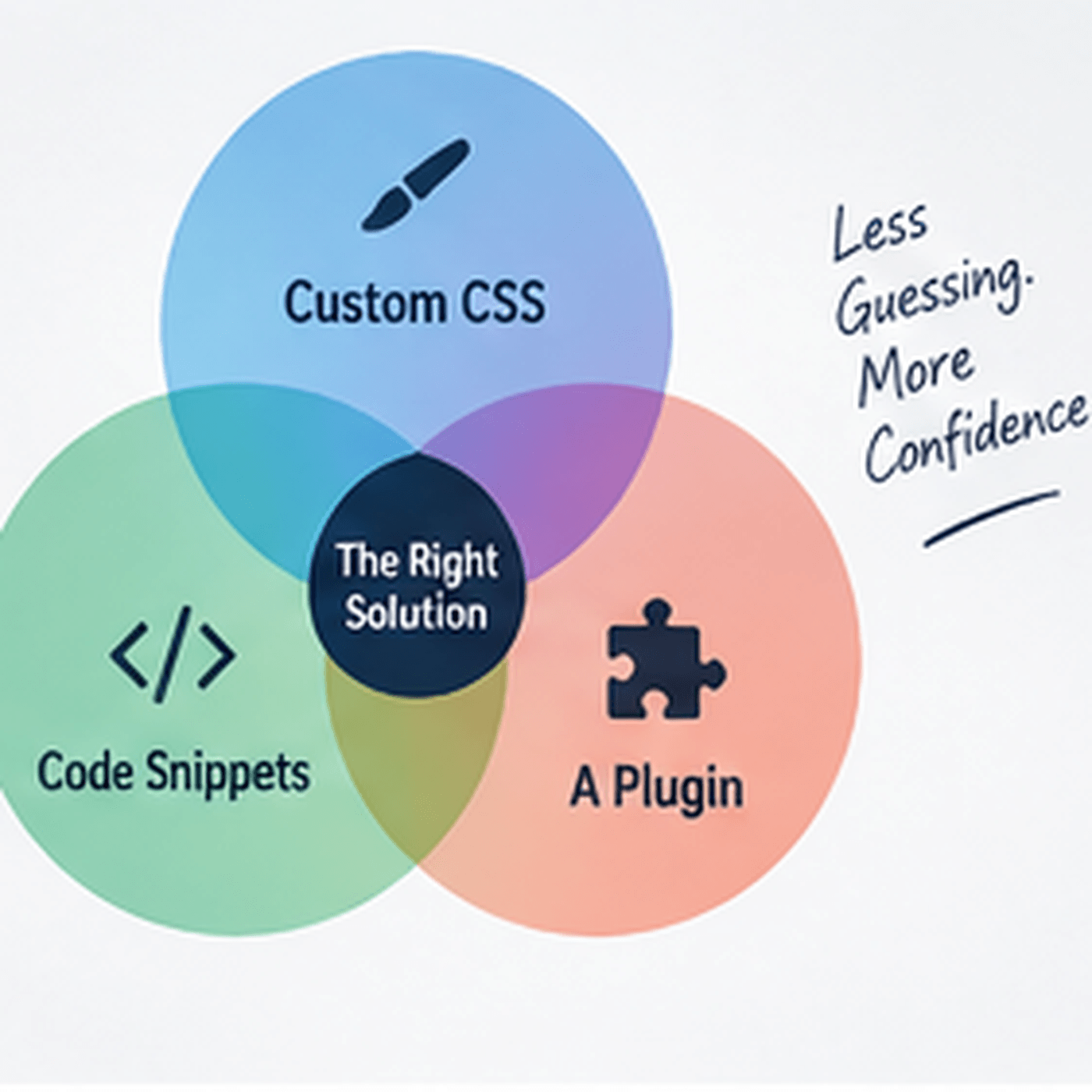
Use the smallest durable layer that matches the requirement:
Visual-only change? Start with scoped CSS.
Small hook or filter? A documented managed snippet may be enough.
Theme-specific template or presentation? Use the child theme.
Reusable implementation component? Use a structured component-management approach.
Independent functionality or data? Build or install a plugin.
Optimize for the next year, not the next five minutes
The fastest place to paste code is not always the best place to own code.
WordPress sites remain healthy when customizations have clear boundaries. Choose the level that makes the feature easy to understand, test, update and eventually remove.
That is what turns customization into maintainable architecture.