
A modern WordPress site rarely consists of completely unique pages. Headers repeat. Calls to action repeat. Feature cards repeat. Pricing blocks, notices, testimonials and utility sections often appear across many parts of the site.
WordPress gives you several ways to reuse those elements, but they solve different problems.
The key distinction is whether you are trying to reuse content, layout, structure or custom behavior.
Individual blocks: the smallest native building unit
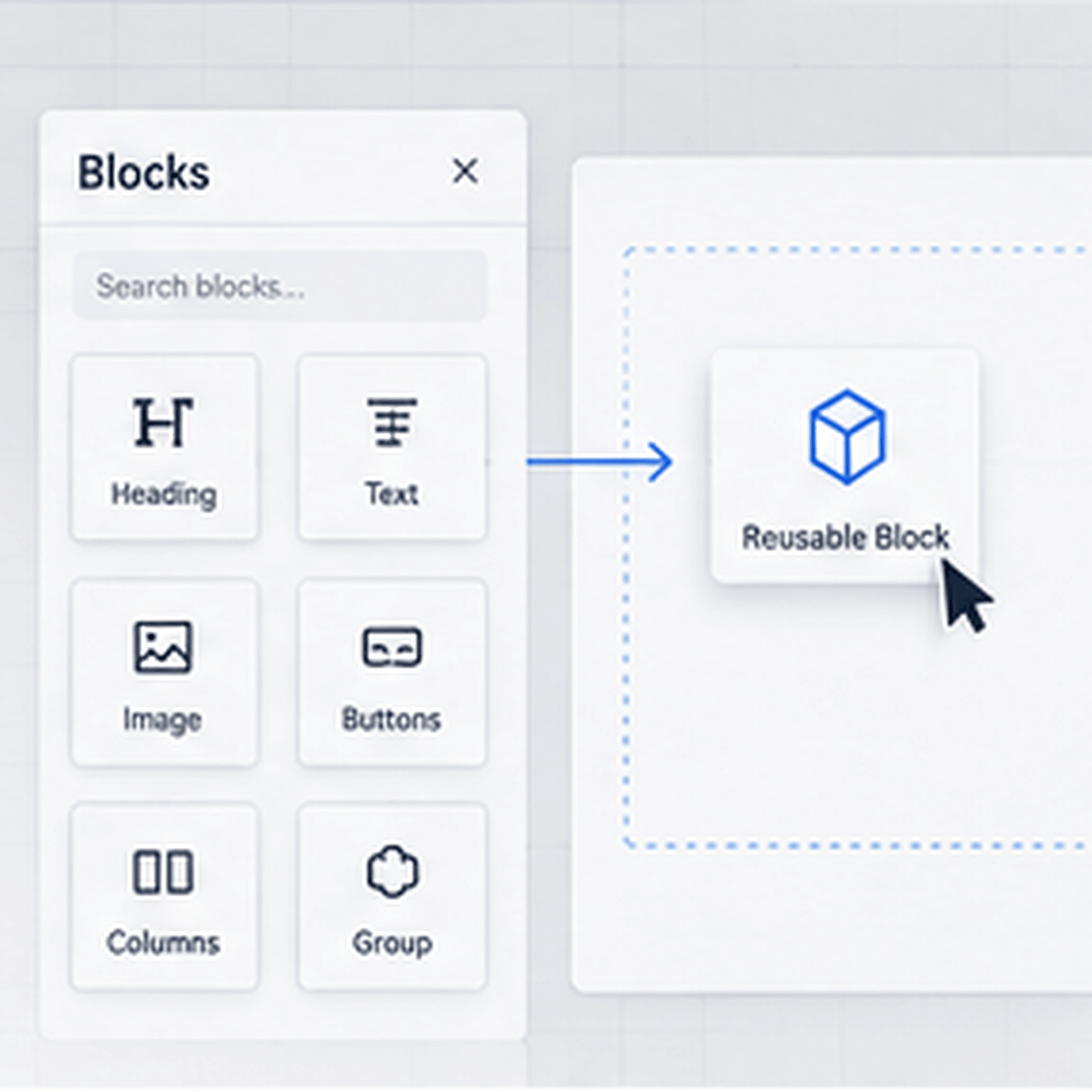
Blocks are ideal when the reusable unit is already represented by a WordPress block: paragraph, image, buttons, columns, query, navigation and so on.
They are flexible and editor-friendly. For one-off compositions, individual blocks are usually the simplest choice.
The limitation appears when the same multi-block design needs to stay consistent across many pages.
Patterns: reusable arrangements
Patterns package multiple blocks into a reusable design.
They are excellent for sections such as:
- hero layouts
- feature grids
- testimonials
- call-to-action bands
- contact sections
- editorial layouts
Patterns can serve as starting points that editors customize independently. Synced patterns can also maintain a single source of truth, depending on how they are configured.
Use patterns when the reusable asset is primarily editorial layout.
Templates and template parts: page-level structure
Templates control broader page structure. Template parts are suited to site-level areas such as headers and footers.
These are the right tools when reuse belongs to the theme or site architecture rather than an individual content section.
A product landing-page template, single-post template or archive layout is structurally different from a reusable promotional card inside a page.
Custom blocks: reusable functionality inside the editor
When a component requires its own data model, editing controls or behavior, a custom block may be appropriate.
Examples might include a structured team-member card, pricing calculator, location result or specialized data display.
Custom blocks are powerful because the component becomes a first-class editor element. They also require more development and long-term compatibility work than a simple pattern.
Code components: when the reusable unit is implementation
Sometimes the thing you want to reuse is not really content at all.
It may be a carefully controlled combination of HTML, CSS and JavaScript used to render a specific interface. Agencies and advanced site builders often accumulate components like this across projects.
The challenge is management.
If these pieces live in random theme files, code snippets and old project folders, reuse becomes fragile. Nobody knows which version is current, where it is loaded or what dependencies it expects.
A managed component library can make sense when the site or team needs to treat code components as maintained assets rather than loose snippets.
Ask four questions before choosing the mechanism
1. Who needs to edit it?
If content editors need to change the component visually, native editor constructs such as blocks and patterns are attractive.
If only developers should modify the implementation, a code-managed component may be safer.
2. Should changes propagate everywhere?
Some reusable designs are templates. Others are instances.
If changing one source should update every occurrence, you need a synchronized mechanism. If each insertion becomes independent, a normal pattern may be better.
3. Does it contain behavior?
Static layout is different from interactive logic.
The more JavaScript, conditional rendering or structured data a component requires, the more likely it belongs in a custom block or plugin-level implementation.
4. Is it part of the site’s design system?
A reusable component is most valuable when it is governed by shared rules: typography, spacing, buttons, borders, breakpoints and states.
If every reused component contains its own unrelated design decisions, duplication has only moved to a different location.
Avoid the copy-and-paste trap
Copying a finished section from one page to another feels efficient at first.
Six months later, the same design may exist in 14 slightly different versions. A brand color changes, accessibility needs improve or a mobile layout is fixed — and every copy must be found manually.
Reusable systems exist to reduce that drift.
Reuse should reduce cognitive load
The best reusable mechanism is not necessarily the most technically sophisticated one.
A small content team may be perfectly served by a well-organized pattern library. A development agency may need versioned code components. A product site may benefit from custom blocks with strict data structures.
The right solution makes the repeated task easier without making the site harder to understand.
Build a hierarchy of reuse
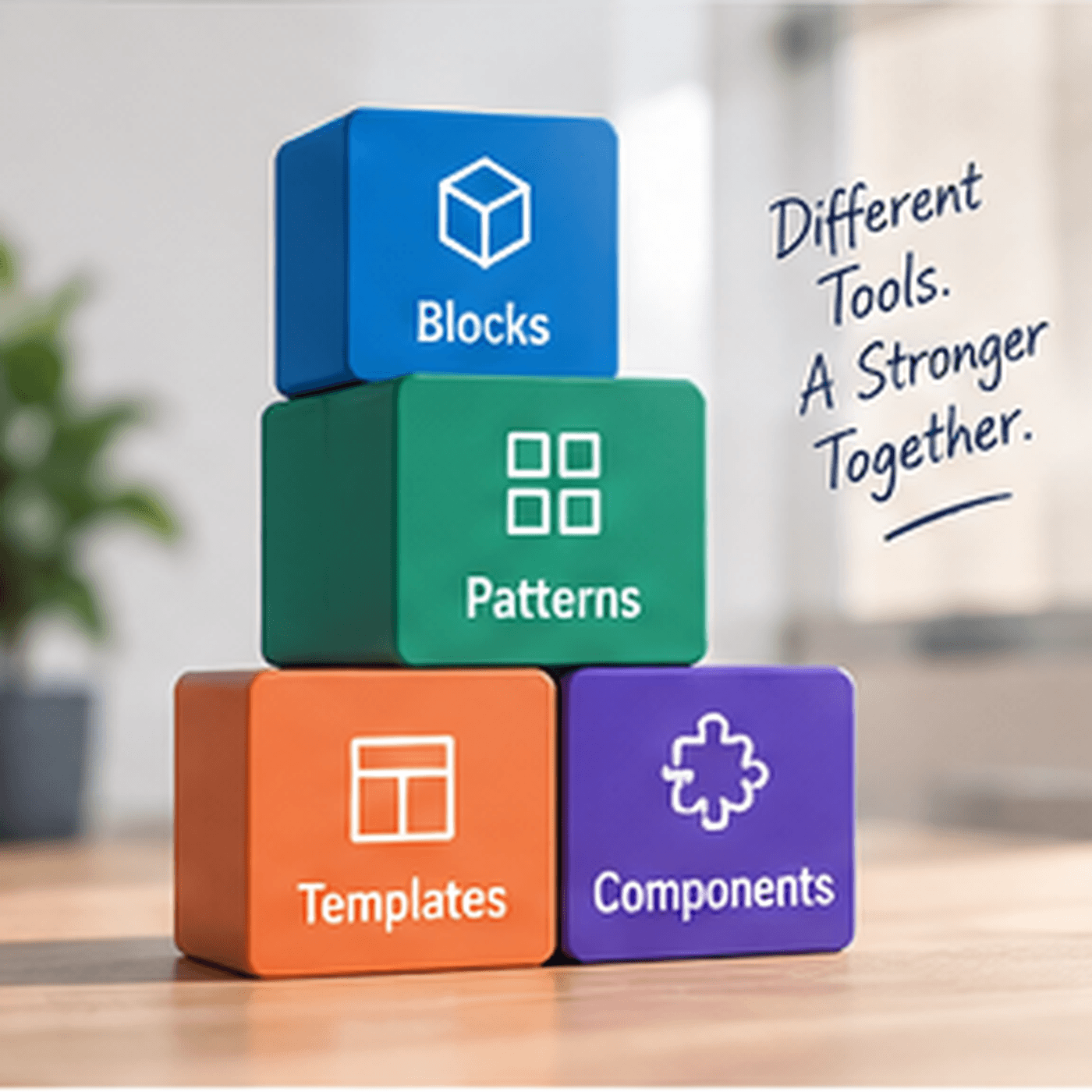
A healthy WordPress implementation often uses several layers together:
- blocks for individual content elements
- patterns for repeatable editorial sections
- templates for page architecture
- custom blocks for structured editor functionality
- managed components for reusable implementation code
Trying to force every reusable element into one system creates unnecessary constraints.
The better approach is to identify what is actually being reused — and select the lightest mechanism that keeps it consistent.