“Lightweight” is one of the most common descriptions in the WordPress plugin market — and one of the least precise.
A plugin can occupy very little disk space and still create significant runtime overhead. Another may include a sizeable codebase while adding almost no measurable cost to pages where its functionality is not used.
So what should lightweight actually mean?
Lightweight is about work, not just file size
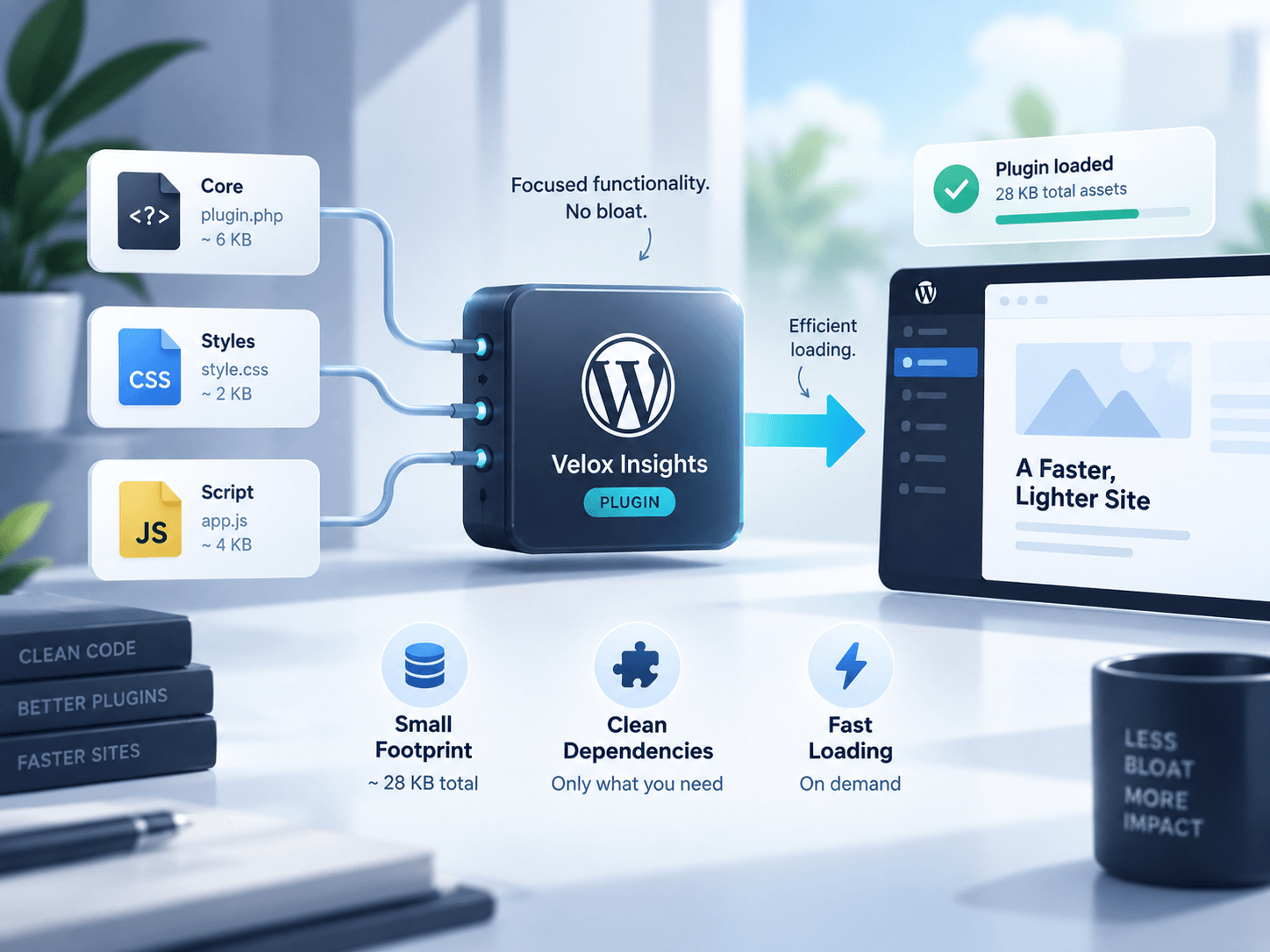
The compressed ZIP size of a plugin tells you how much data you download. It does not tell you how much work the plugin asks WordPress, the database or the browser to perform.
A better definition is:
A lightweight plugin performs only the work required for its feature, at the time and place that work is needed.
That definition covers several layers.
1. Front-end assets should be intentional
JavaScript and CSS are often the most visible part of plugin overhead.
A good plugin should avoid loading feature-specific assets on unrelated pages whenever practical. If a map appears on one page, the mapping code should not automatically become part of every blog post. If a table component is used in the admin only, its styles should not leak into the front end.
This does not mean every individual file must be tiny. It means assets should have a clear reason to be present.
2. Database work should scale sensibly
Efficient database behavior is just as important as asset size.
A plugin should avoid repeated expensive queries when the same result can be cached or retrieved more intelligently. It should be careful with autoloaded options and should clean up temporary data when appropriate.
Scalability matters. A query that feels instant on a site with 20 records can become painful at 20,000.
3. Hooks should not do unnecessary work
WordPress plugins are event-driven. Developers attach functions to hooks that run at various stages of a request.
That flexibility is powerful, but it also makes it easy to execute code far more often than necessary.
A lightweight approach checks context early and exits when there is nothing to do. Admin-only logic should not perform front-end work. Editor integrations should not initialize on unrelated screens. Expensive processing should not run on every request unless the feature genuinely requires it.
4. Dependencies have a cost
Libraries can accelerate development and improve reliability, but every dependency has implications.
A plugin that imports a large framework for a small UI interaction may be technically convenient while being architecturally disproportionate. Dependencies can also create version conflicts when several plugins bundle their own copies of similar packages.
The goal is not to avoid libraries. It is to choose them deliberately.
5. Admin performance counts
A fast public website paired with a sluggish WordPress dashboard is not a fully optimized experience.
Plugins should avoid injecting scripts, styles and notices into every admin page when they only need a small number of screens. They should paginate large datasets, provide efficient search and avoid blocking operations that make routine editing feel slow.
For agencies and content teams, admin efficiency has a real operational cost.
6. Remote calls should fail gracefully
Some plugins communicate with external APIs for licensing, geocoding, analytics, updates or content services.
External requests must be designed carefully. A slow third-party service should not make an unrelated WordPress page wait indefinitely.
Caching, sensible timeouts and asynchronous processing can make external integrations much more resilient.
Lightweight does not mean featureless
There is an important distinction between simple and efficient.
A sophisticated plugin can still be lightweight if it loads functionality conditionally, structures database access sensibly and keeps its interface focused. A very simple plugin can be heavy if it performs careless work globally.
That is why feature count alone is not a useful performance benchmark.
How site owners can evaluate “lightweight” claims
You do not need to be a performance engineer to get a useful picture.
Test the plugin on a staging site and compare:
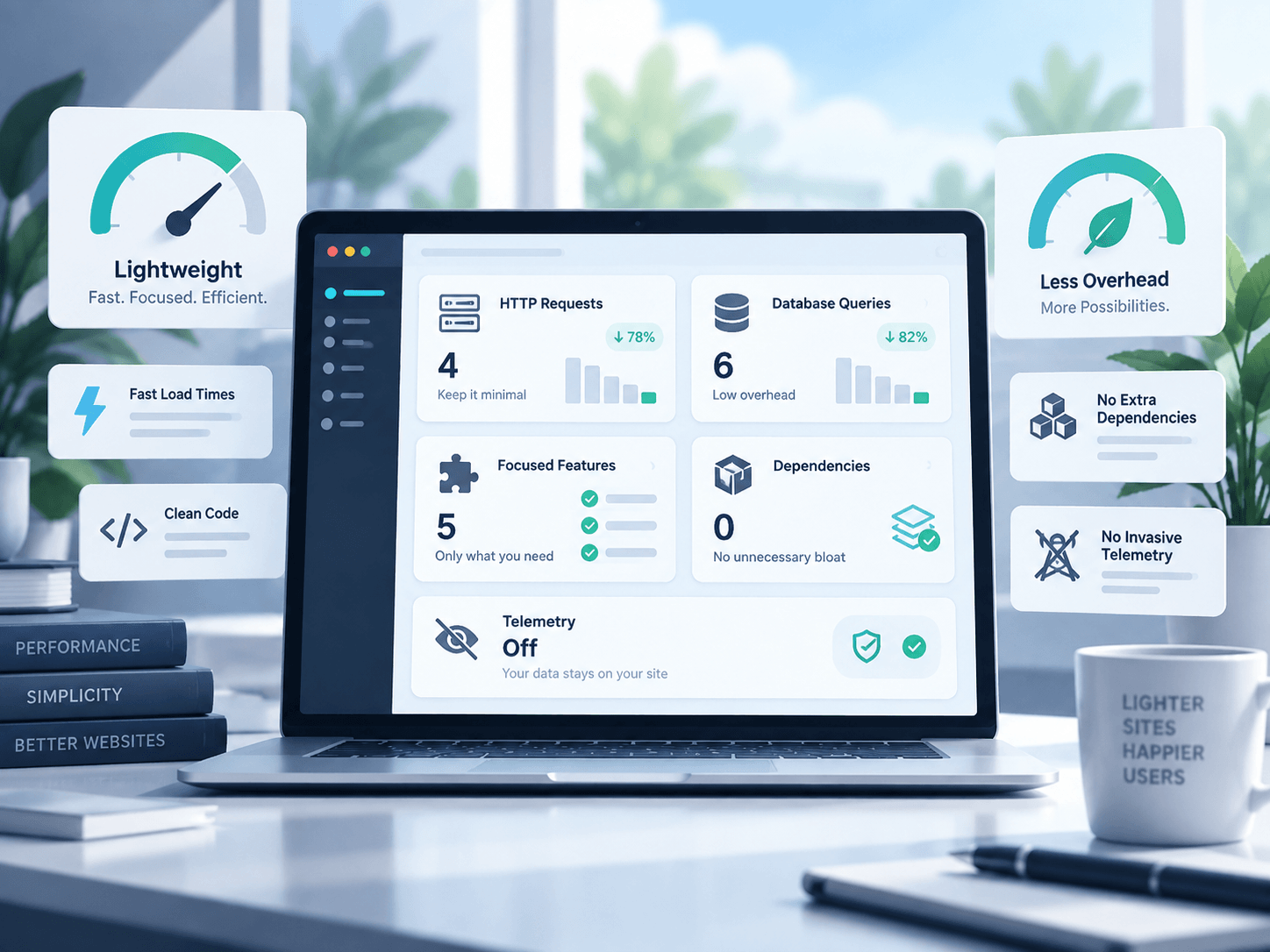
- page requests before and after activation
- transferred JavaScript and CSS
- page generation time
- database query patterns if diagnostic tools are available
- admin responsiveness
- scheduled events or background processing
- performance on pages where the feature is not used
The most revealing test is often the last one. A focused plugin should be close to invisible when its functionality is irrelevant to the current request.
Efficiency is also a product decision
Many performance problems begin before code is written.
When a plugin attempts to become an all-purpose platform, it naturally accumulates settings, integrations, assets and compatibility layers. Sometimes that scale is justified. Sometimes a smaller, purpose-built tool is a better fit.
Product scope and technical efficiency are connected.
A more useful definition
The next time a plugin calls itself lightweight, do not ask only how many kilobytes are in the ZIP file.
Ask whether it is selective, proportional and context-aware.
That is what lightweight should mean in WordPress.