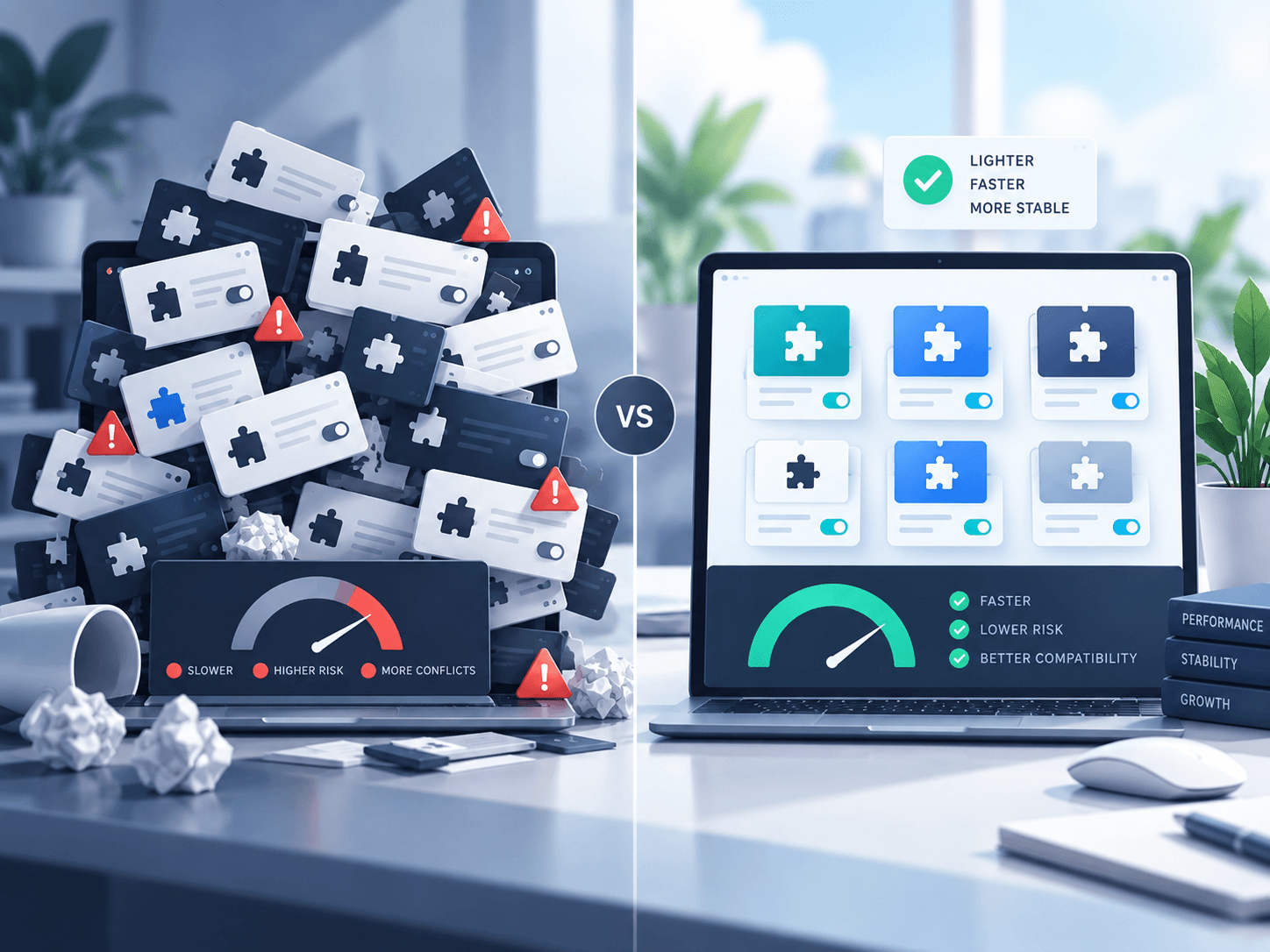
A WordPress site with 35 carefully built plugins can outperform a site with 12 poorly built ones. That is why the familiar question — “How many plugins is too many?” — starts in the wrong place.
The number matters less than the behavior of the plugins you install.
A plugin can be tiny and still run an expensive database query on every page. Another can contain thousands of lines of code but load almost nothing on the front end unless its feature is actually used. Some plugins add one focused capability. Others introduce entire frameworks, dashboards, background jobs, analytics, remote requests and site-wide assets.
The useful question is therefore not how many plugins do I have? It is what does each plugin cost my site, and is that cost justified?
Plugin count is only a rough signal
Having a very large plugin list can be a sign that a site has accumulated technical debt, but it is not proof of a performance problem.
A plugin may affect a WordPress site through several different channels:
- PHP execution on page requests
- database queries and stored options
- JavaScript and CSS added to the front end
- background jobs and scheduled tasks
- REST API calls and AJAX requests
- admin-screen scripts and notices
- external API connections
- cache invalidation
- image or media processing
Two plugins that appear equally small in the Plugins screen can have completely different footprints.
Site-wide loading is often the bigger problem
One of the most common sources of unnecessary overhead is a plugin that loads its assets everywhere even when its feature appears on only one page.
Imagine a map plugin used only on a Store Locator page. Ideally, its mapping scripts and styles should load where the map is required. If they are added to every page — including the homepage, blog posts and checkout — visitors pay a performance cost for functionality they are not using.
The same principle applies to sliders, popups, tables, galleries, forms and many other feature-specific tools.
Focused loading is one of the clearest signs that a plugin developer has thought carefully about performance.
Database behavior matters too
Not every performance problem is visible in a page-source file list.
Plugins can slow a site by repeatedly querying large tables, creating excessive autoloaded options, storing temporary data indefinitely or running cleanup routines inefficiently. These problems become more noticeable as a site grows.
A plugin that feels perfectly fast on a new website with 30 posts may behave very differently on a mature site with thousands of posts, products, orders or locations.
This is why evaluating plugins only on a fresh test site can be misleading.
The admin area is part of performance
Site owners often focus entirely on front-end speed, but WordPress administration matters too.
A slow editor, cluttered dashboard or Plugins screen filled with notices creates friction every day. Plugins that add large global scripts to the admin area can make routine work feel heavier than it should.
Good plugins respect the WordPress admin environment. They add what they need, where they need it, without trying to dominate unrelated screens.
More functionality can mean more maintenance
Every plugin introduces another component that must remain compatible with:
- WordPress core
- PHP versions
- your theme
- your hosting environment
- other plugins
- browser changes
- security updates
That does not mean you should avoid plugins. Extensibility is one of WordPress’s greatest strengths. It means you should avoid installing plugins casually.
A plugin should earn its place on the site.
A better way to audit your plugin stack
Instead of aiming for an arbitrary plugin count, review each plugin using four questions.
1. Is it still needed?
Sites evolve. A plugin installed for a campaign three years ago may still be active even though the feature disappeared long ago.
2. Is its purpose clear?
If nobody on the team knows what a plugin does, investigate it. Do not simply deactivate unfamiliar plugins on a production site, but document why they exist.
3. Is there functional overlap?
It is common to find multiple plugins handling similar jobs: redirects, SEO, snippets, analytics, optimization, forms or security. Consolidating overlapping functionality can reduce complexity.
4. Does it behave efficiently?
Check page weight, request counts, database activity, admin responsiveness and error logs. Performance testing is more useful than guessing from plugin count.

When fewer plugins really is better
Reducing plugin count still has value when you are removing redundancy or replacing several heavy tools with a focused solution.
For example, if a large multipurpose plugin is installed solely to provide one small front-end feature, replacing it with a narrowly scoped plugin may reduce complexity considerably.
The goal is not minimalism for its own sake. The goal is purposeful architecture.
The principle to remember
A healthy WordPress site does not necessarily have very few plugins. It has a well-understood plugin stack.
Every active plugin should have a reason to exist, a maintenance owner and a cost that makes sense for the value it provides.
So if you are wondering whether 20, 30 or 50 plugins is too many, do not start by counting them.
Start by asking what they are doing.