
WordPress 7.1 was released on August 19, 2026, continuing a particularly active period for the block editor, design tools and extension APIs.
For site owners, the value of a new WordPress release is not measured by how many developer-facing changes appear in a Field Guide. It is measured by what those changes mean for everyday editing, design consistency, accessibility and plugin compatibility.
Here are the areas worth paying attention to.
Responsive styling is becoming more native
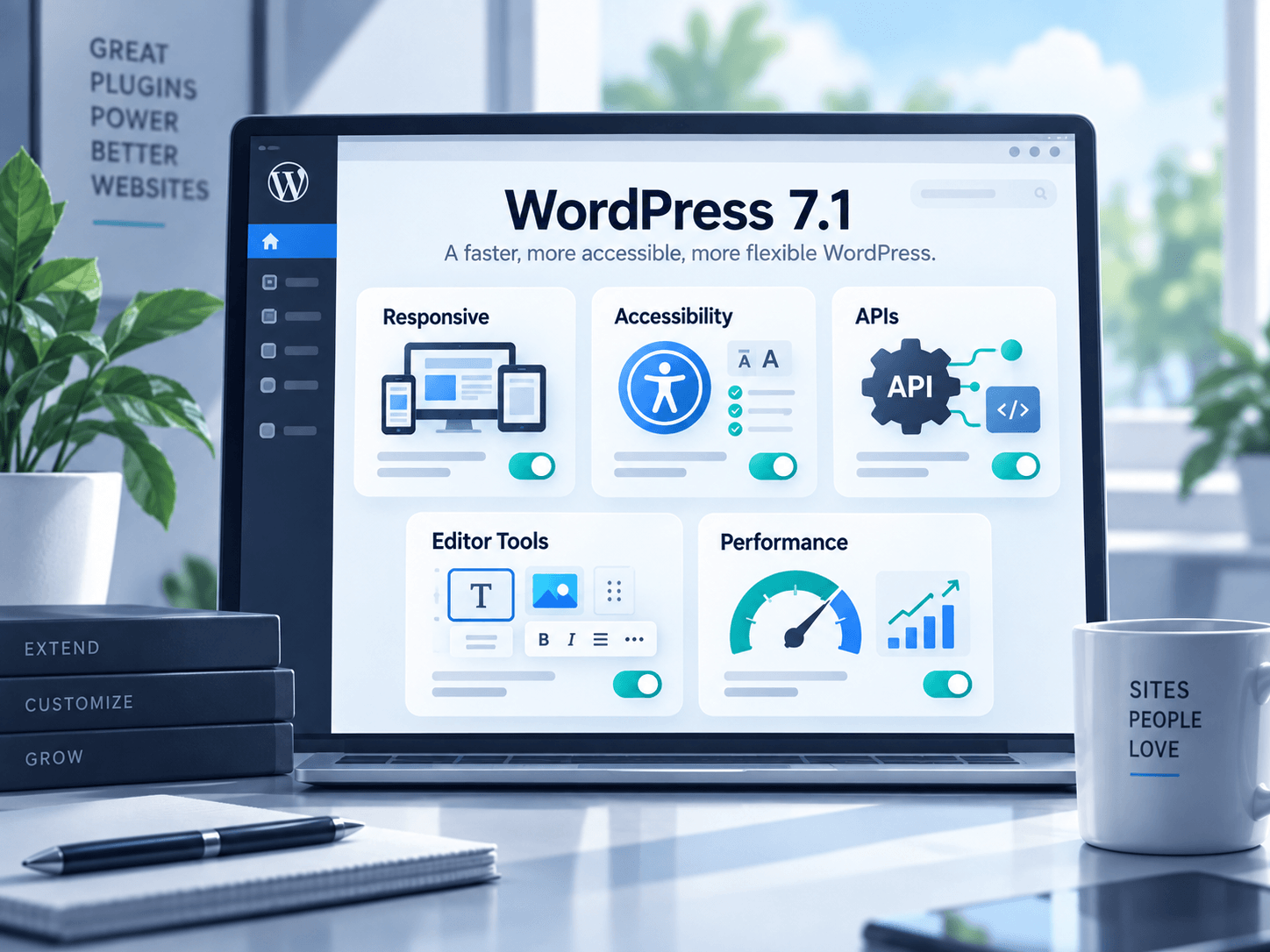
One of the most important 7.1 developments is expanded support for responsive block styles and configurable viewports.
For years, many WordPress layouts have depended on theme-specific responsive controls, page builders or custom CSS. Core’s continued movement toward native responsive styling gives themes and plugins a more consistent foundation to build on.
For site owners, that can eventually mean fewer separate systems for controlling desktop, tablet and mobile presentation.
The immediate advice is simple: after updating, test important pages at multiple viewport widths, particularly if your theme or plugins add custom block styles.
Accessibility work affects plugin interfaces too
WordPress 7.1 includes a substantial set of accessibility improvements across Core and the editor.
This is important beyond the editor itself. Plugins that extend list tables, editor panels or admin interfaces may depend on markup that has changed for accessibility reasons.
For example, WordPress has adjusted list-table row semantics so screen readers can identify rows more meaningfully. Changes like this are beneficial, but extensions that rely on very specific old markup may need testing.
If a plugin provides a custom admin experience, keyboard navigation, focus states, high-contrast behavior and semantic structure should now be considered normal compatibility concerns — not optional polish.
The SVG Icon API creates a cleaner extension point
WordPress 7.1 introduces a public API for registering and rendering SVG icon collections.
That may sound purely developer-focused, but standardized APIs tend to improve the ecosystem over time. Instead of every plugin inventing a separate icon-loading approach, developers have a clearer WordPress-native mechanism available.
For users, consistent platform APIs usually translate into fewer ad hoc dependencies and better integration with the editor.
The Abilities API keeps expanding
The Abilities API arrived as infrastructure in WordPress 6.9 and continues to mature in 7.1.
It is designed to provide a structured way for WordPress functionality to describe actions it can perform. This is relevant to automation and AI-enabled workflows because capabilities can be exposed in a more discoverable and controlled form.
Most site owners will not interact with the API directly. But it is worth knowing about because it signals where future WordPress integrations are heading: better-defined actions, clearer validation and more standardized discovery.
AI integration is becoming a platform concern
The WordPress developer ecosystem is actively building provider-agnostic AI capabilities, including the WordPress AI Client and continued work around abilities.
That does not mean every WordPress site needs AI features. It means plugin developers increasingly have shared infrastructure available rather than needing to bolt every AI integration directly to a single vendor.
Site owners should evaluate AI features the same way they evaluate any integration: consider privacy, data handling, cost, failure behavior and actual usefulness before enabling them.
Editor and admin changes deserve regression testing
A WordPress update can be stable while still exposing assumptions in plugins and themes.
After moving to 7.1, test:
- post and page editing
- custom blocks
- reusable design components
- media workflows
- plugin settings screens
- responsive layouts
- custom admin tables
- keyboard navigation
- any plugin that deeply extends Gutenberg
This is particularly important for sites with custom development.
React 19 has not landed in Core yet
Plugin developers have been preparing for React 19 compatibility, but the planned upgrade was deferred again during the 7.1 cycle.
That gives extension developers more time to test compiled JSX, deprecated rendering APIs and assumptions around WordPress’s React layer.
For site owners, the practical lesson is not to worry about React versions directly. It is to favor plugins that are actively maintained and tested against current WordPress development.
Real-time collaboration remains a work in progress
Real-time collaborative editing has been one of the major WordPress roadmap themes, but it was not enabled in the 7.1 release.
WordPress has continued collaboration work through notes and related experiences while the deeper real-time architecture evolves.
That is a healthy reminder that major platform features sometimes need additional cycles before they are ready for millions of sites.
Should you update?
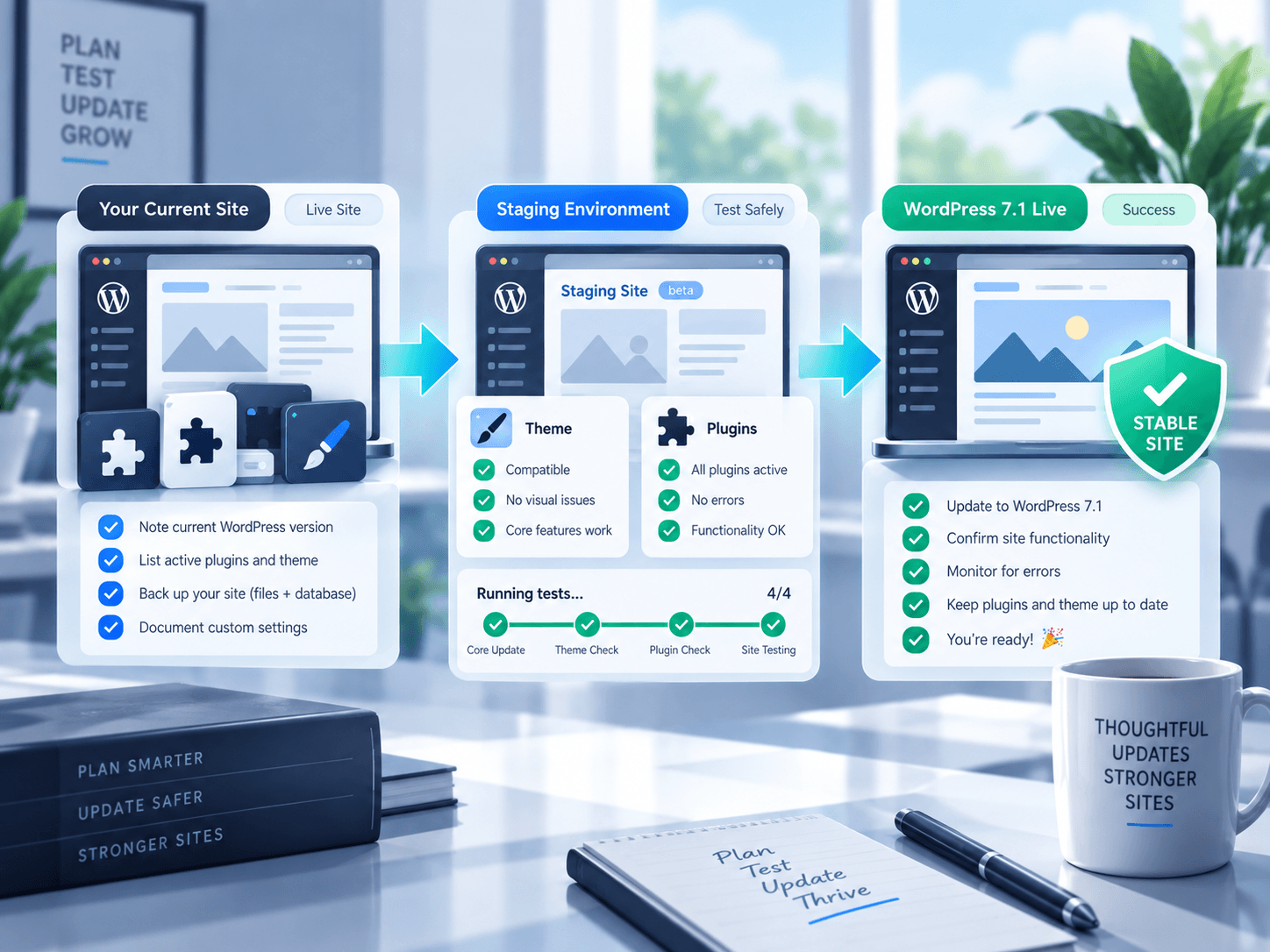
For normal production sites, the standard advice applies: maintain a verified backup, update through a controlled process and test your critical workflows.
If your site uses custom plugins, complex editor extensions or a heavily customized theme, validate the update on staging first.
Keeping WordPress current is important for security, compatibility and access to platform improvements. The safest approach is not to avoid updates — it is to make updates routine and testable.
Useful official references
WordPress 7.1 is not just a collection of editor features. It is another step toward a more standardized design system, stronger accessibility and better extension APIs — all of which shape the quality of plugins users will depend on next.